Step 1: Install Lucium
Download it, open the disk image, drag Lucium to Applications and open it.
Switch browsers
Lucium brings over the bookmarks and history of your current browser. If it keeps its tabs in Spaces and Lucium can read its format, Spaces, pinned tabs, folders, favorites and split views come along too. No account.
Download it, open the disk image, drag Lucium to Applications and open it.
At first launch, choose your current browser. Later: Lucium menu › Import from Another Browser…. Quit your former browser first, so that its files are up to date.
Lucium shows what comes in before importing. The report says what was left out, and why.
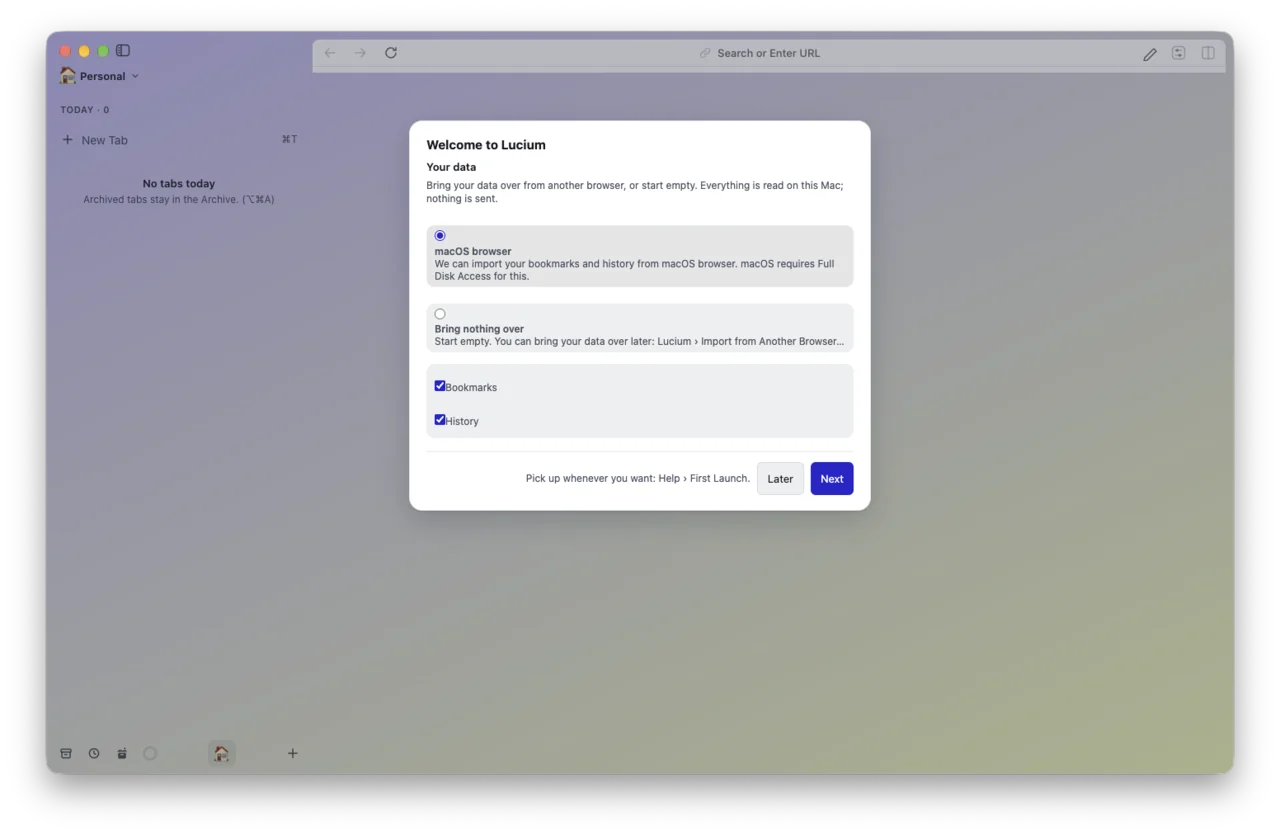
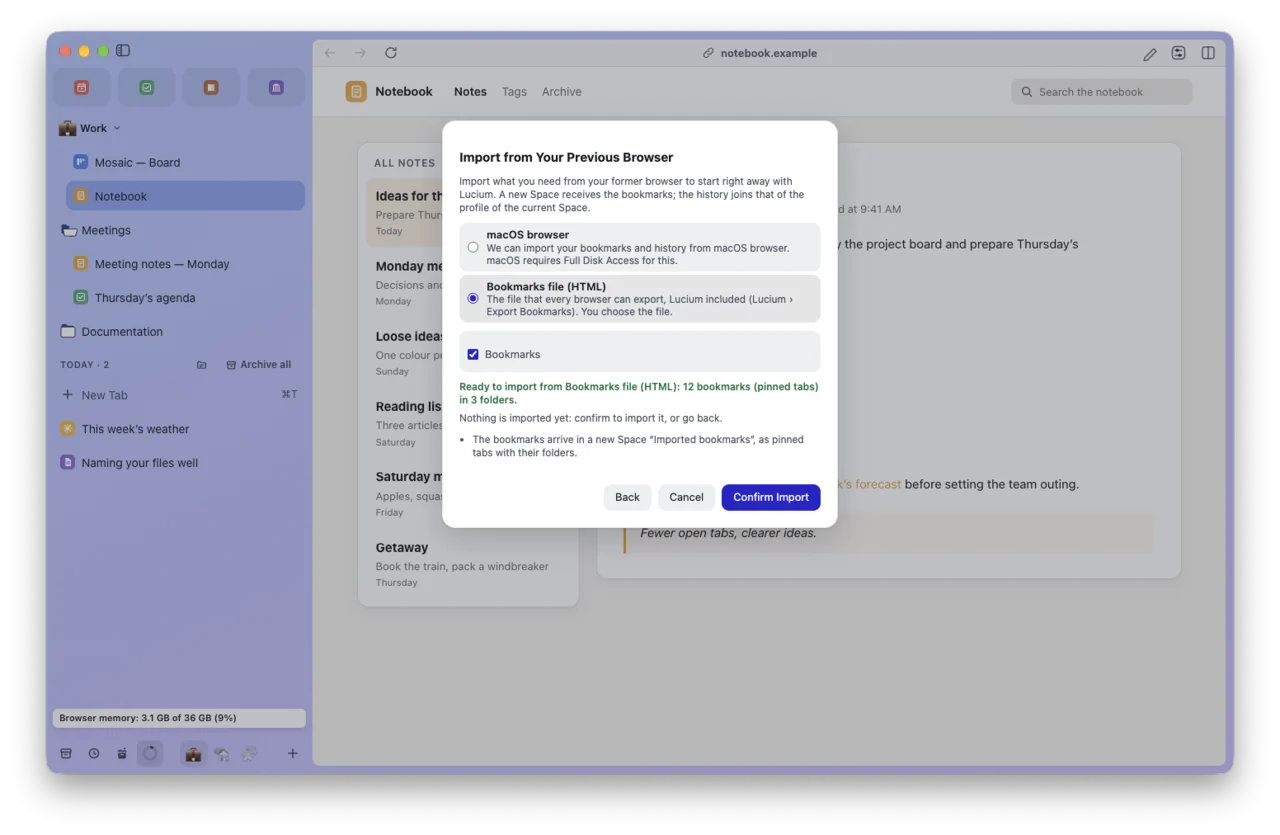

Lucium looks for the browsers installed on this Mac. For another one, choose its bookmarks or history file.
Missing a feature of your former browser? Report it: gaps get votes, just like ideas.
The everyday moves, under their Lucium names.
Lucium reads your browser’s files on this Mac, without changing them and without sending anything.