Install
- Open the downloaded disk image.
- Drag Lucium to the Applications folder.
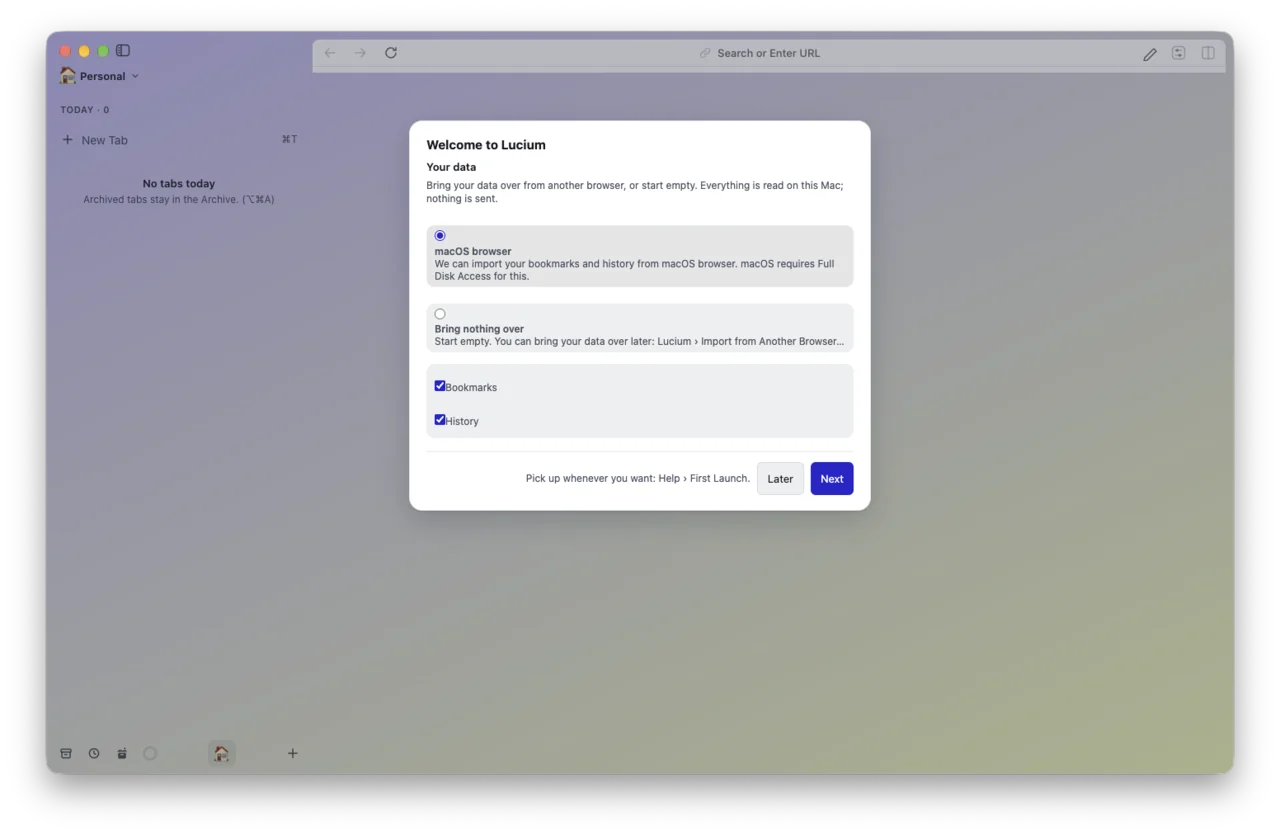
- Open Lucium. It offers to import the tabs and bookmarks of your current browser.
Free and open source, for Mac with Apple silicon. Signed and notarized by Apple: it opens like any other app.
Lucium 0.2.0 is in alpha. Its disk image will be published here at the end of November 2026, if all goes well: a last validation, linked to the macOS keychain, is under way. See the roadmap.
Download for Mac (0.2.0)Disk image (DMG) · Mac with Apple silicon · macOS 13 or later
The download goes through the project’s releases page on GitHub.
brew install --cask lucium
To update: brew upgrade --cask lucium
Every release publishes its SHA-256 sum next to the disk image.
shasum -a 256 -c Lucium-0.2.0-*.sha256
0.2.0Planned for the end of November 2026, if all goes wellFirst public version, in alpha
Known limits: Mac with Apple silicon only; no automatic update; extension APIs are partial, as Electron only provides some of them.
Mac with Apple silicon (M1 or later) · macOS 13 Ventura or later. No Windows, Linux or Intel version yet: Windows is planned for December 2026, if the trials go well, Linux right after, and Intel Macs are under study (roadmap).
Lucium is free software (GPL-3.0-or-later). The code of every release is published with it, and you can build the app yourself.
See the code ›No automatic update yet: install the new version from this page. Lucium can look for a new version in a feed, but no feed is connected yet.