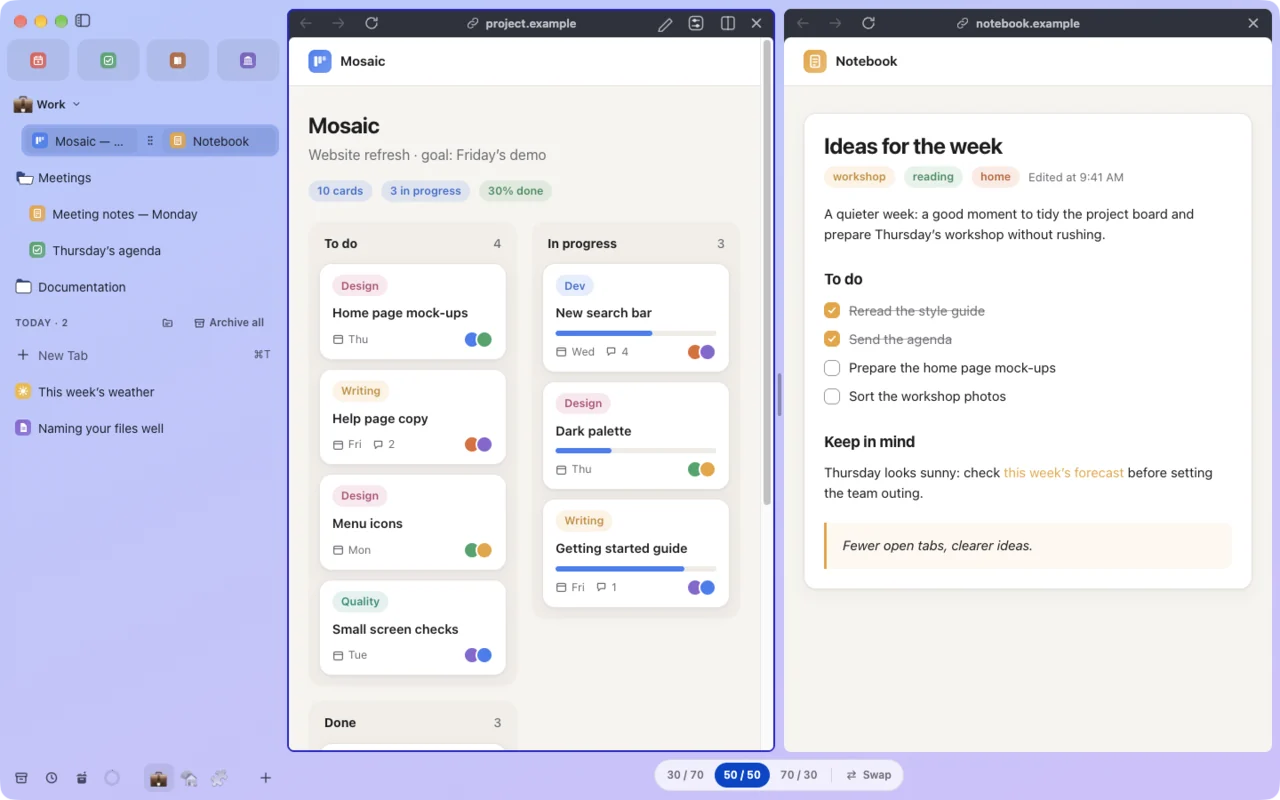
Side by side.
Up to four pages in one window. Drag a tab onto the page to split it.
Lucium keeps your tabs in a sidebar, with a Space for each part of your life. No account. Free, for Mac.
Version 0.2.0, in alpha · Mac with Apple silicon · macOS 13 or later
0accounts to create
0telemetry
4pages side by side
30 minand a forgotten tab goes to sleep
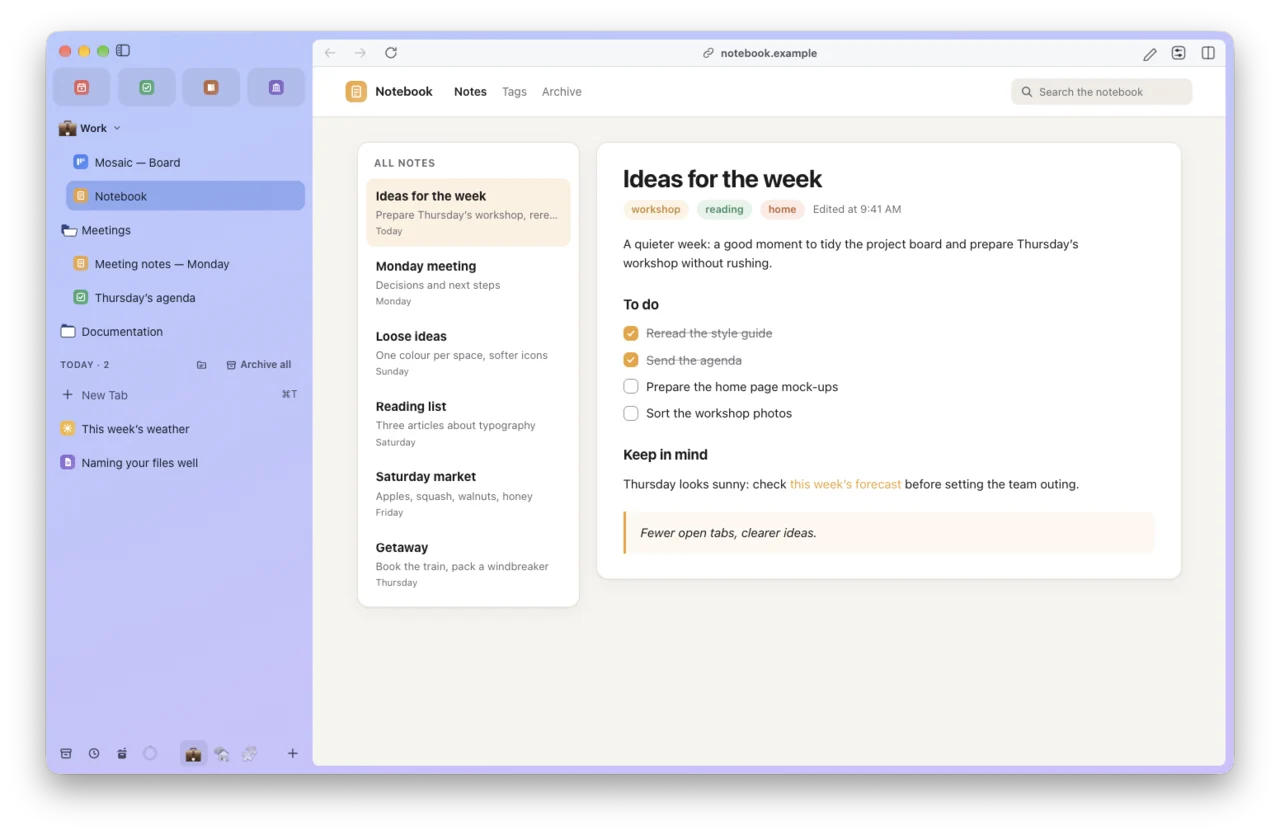
Each Space keeps its own tabs, its own color and, if you like, its own profile. Swipe with two fingers to switch.
See the 130 features ›
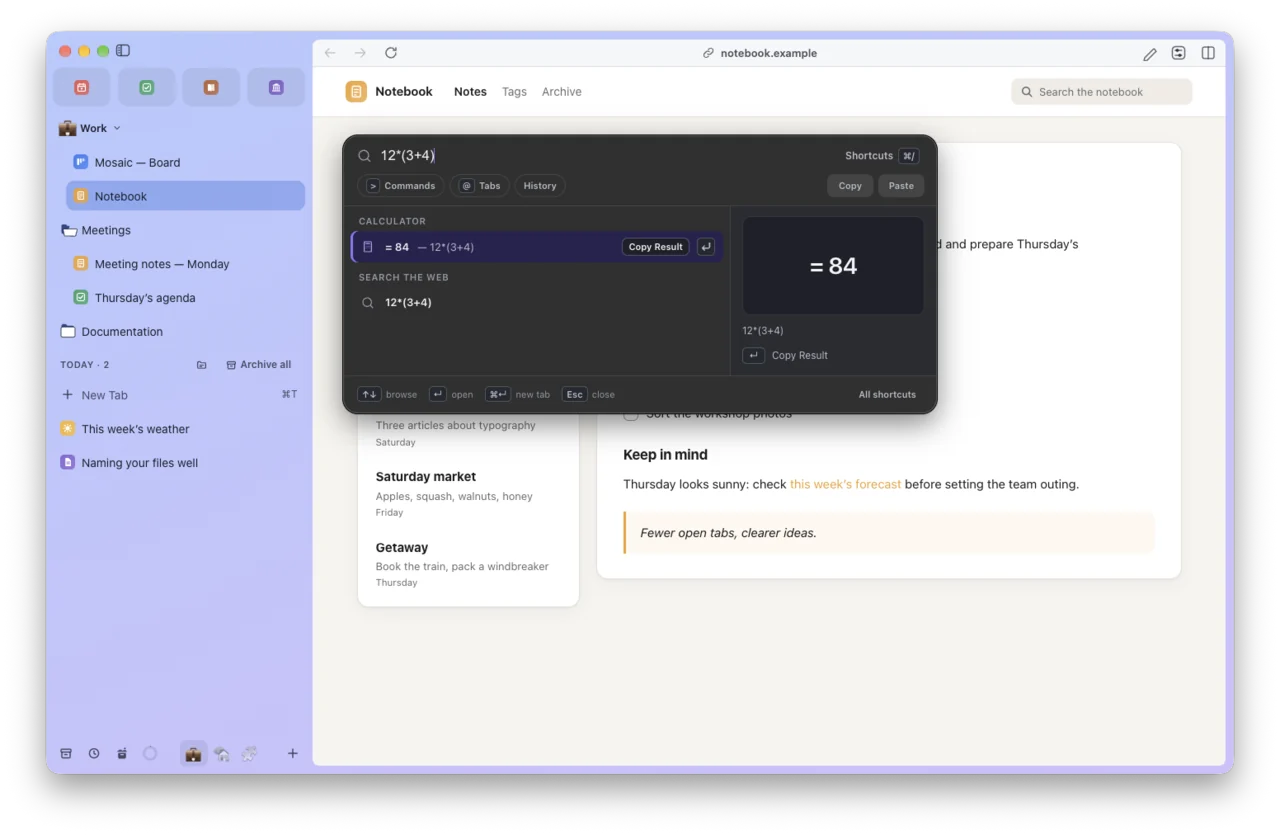
⌘T opens the command bar: an address, a search, an open or archived tab, an action, a sum.
Up to four pages in one window. Drag a tab onto the page to split it.
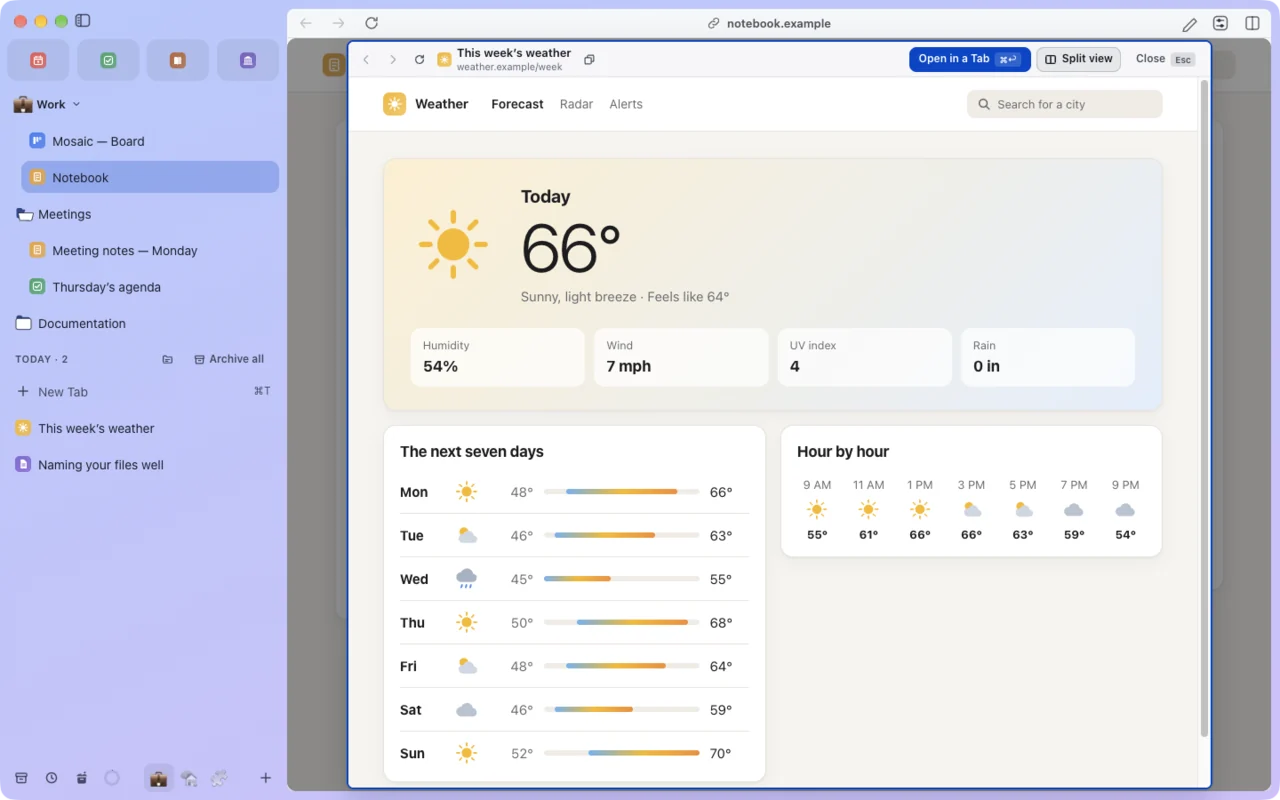
Shift-click a link and it opens in a preview, while your page stays put.
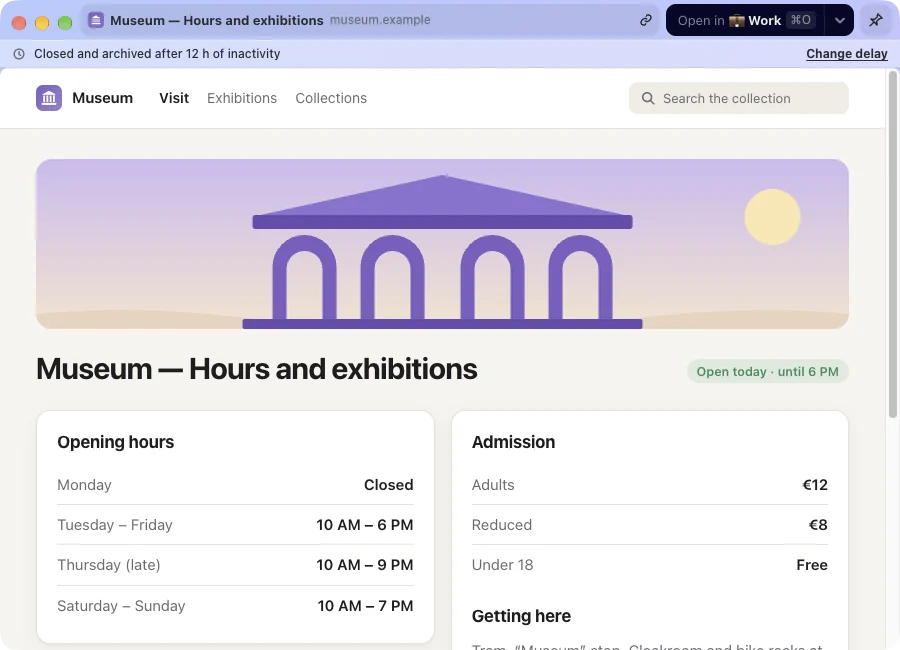
Links from other apps open on their own, without cluttering your Spaces.
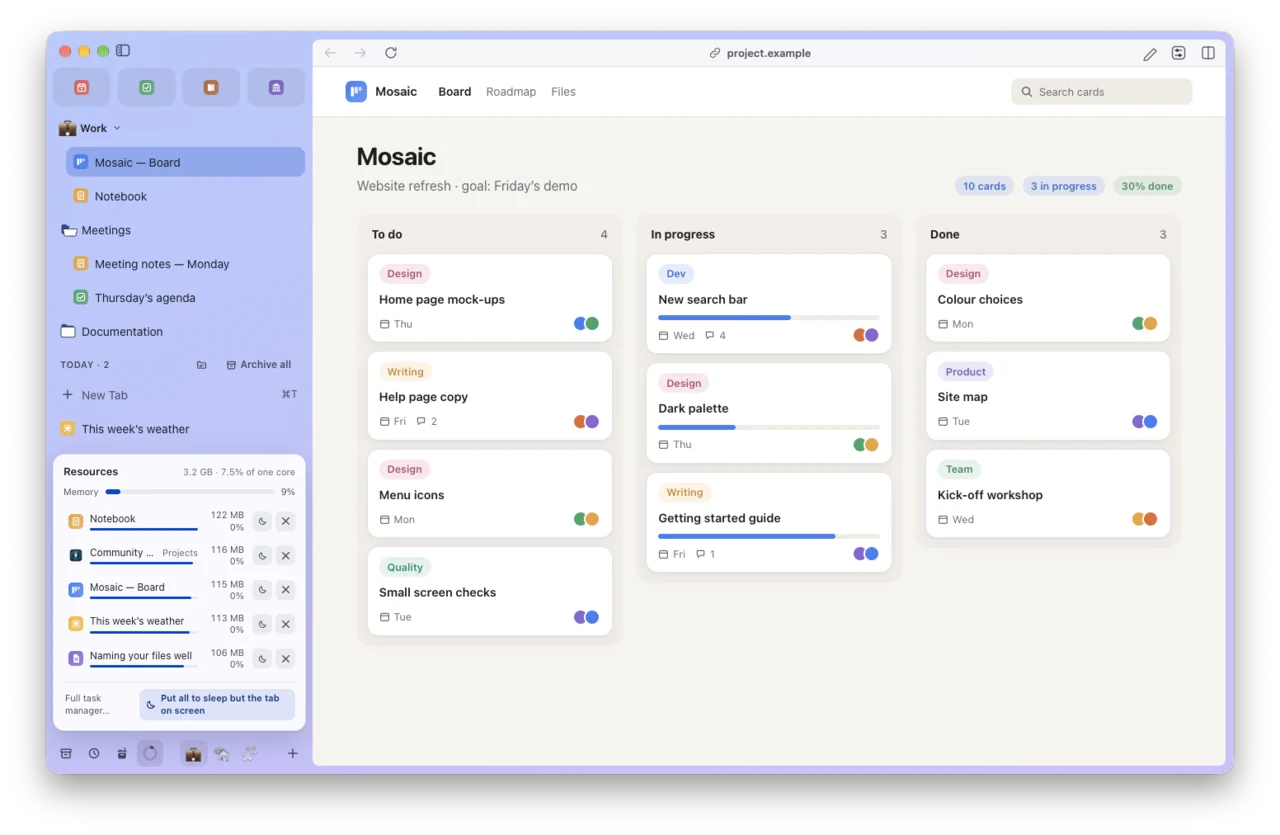
Idle tabs go to sleep after 30 minutes. At the foot of the sidebar, a gauge shows how much memory Lucium holds; one click opens the heaviest tabs, each one click away from sleep or closing.
The ad and tracker blocker is on from the first launch. Every connection Lucium makes on its own is listed in public.
See every connection ›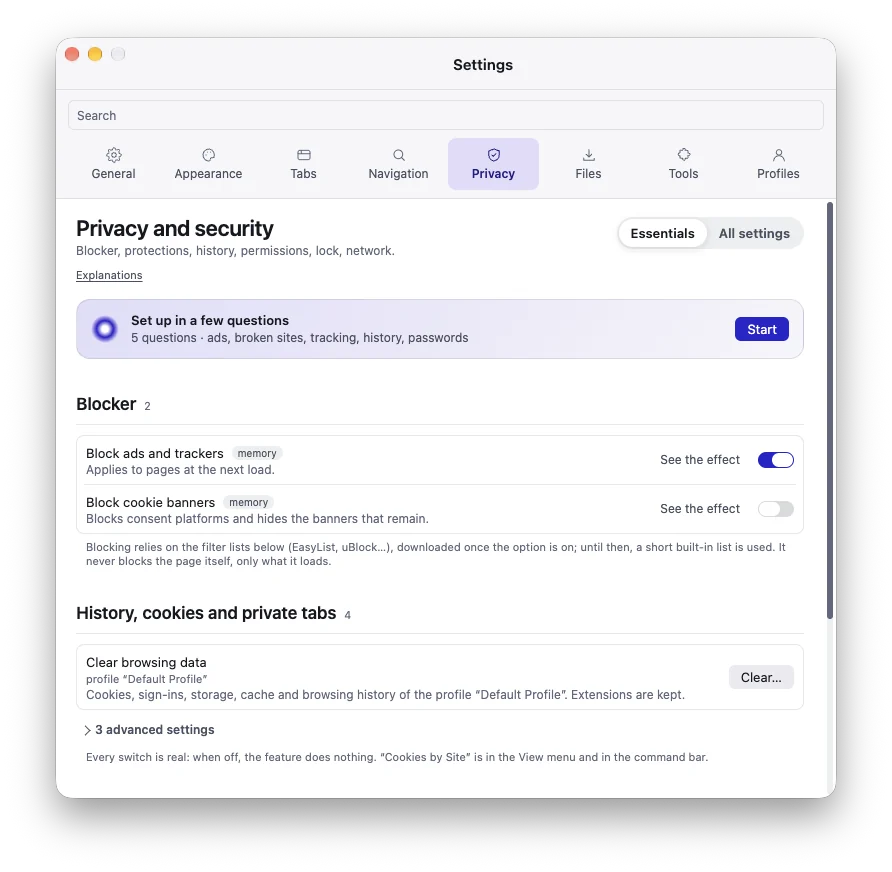
Install your Manifest V3 extensions from the online extension store. Protected video plays too.
Compatibility varies by extension: tell us which one breaks.
Lucium imports the bookmarks and history of your current browser and, depending on what it stores, its Spaces, pinned tabs, folders and favorites. No account.
Switch browsers ›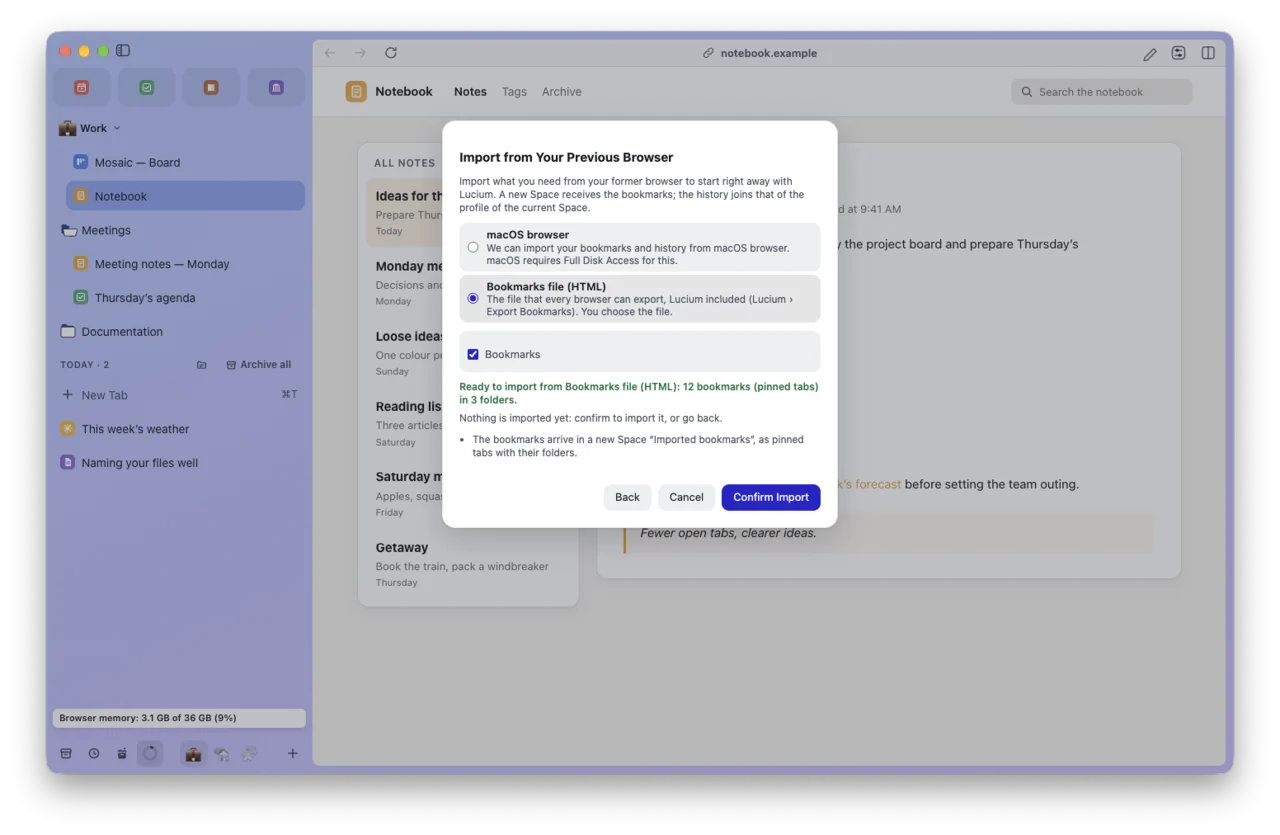

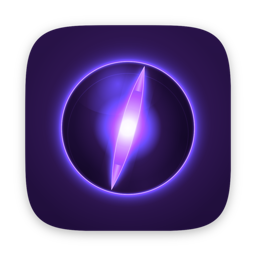


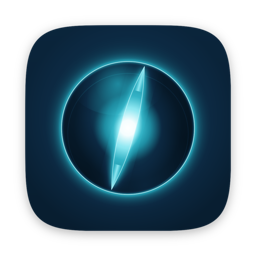

Seven icons to choose from, shown in the Dock while Lucium runs.
GPL-3.0 license. No paid edition, no ads, no AI assistant. The community suggests and votes: the most-wanted ideas come first.
Suggest an idea ›The film will be online soon.
An animation, texts on screen, in English · also in French
Or with Homebrew [to be confirmed]
brew install --cask lucium
Version 0.2.0, in alpha · Mac with Apple silicon · macOS 13 or later · Release notes