What Lucium does, connection by connection.
No connection carries an account, an identifier or usage data. Here is each one Lucium makes on its own, when it happens, and the switch that stops it.
No account
Nothing to create, nothing to sign in to.
No sync
Your data stays on this Mac.
No telemetry
No analytics or usage data sent to anyone.
Blocker on
Ads and trackers blocked from the first launch.
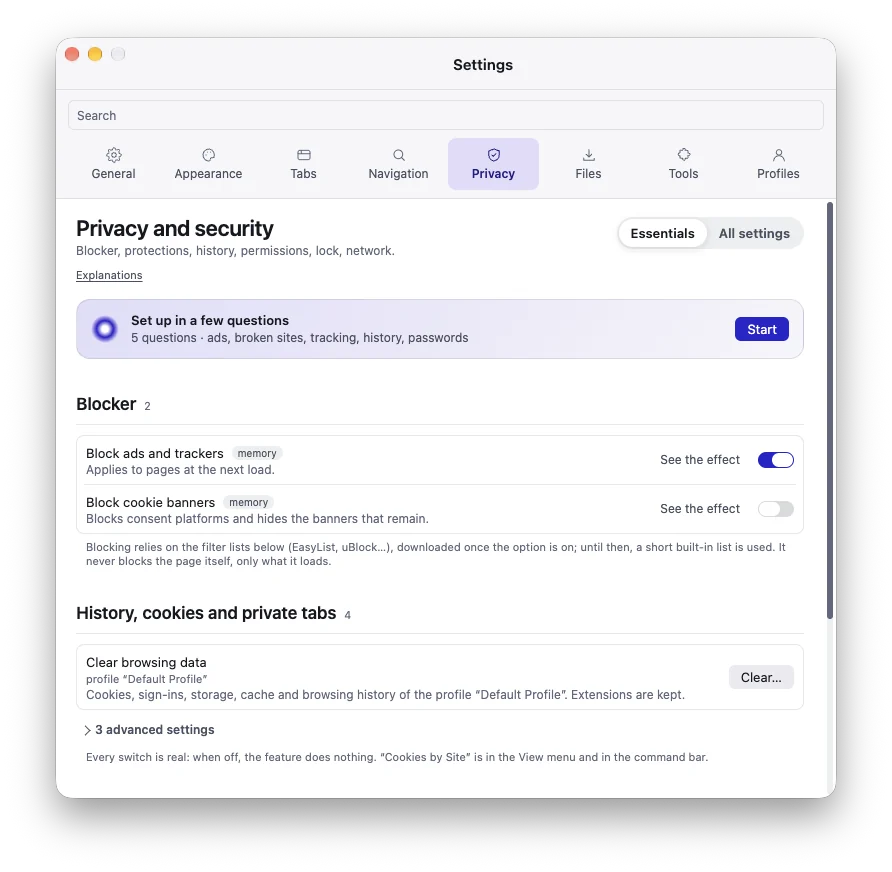
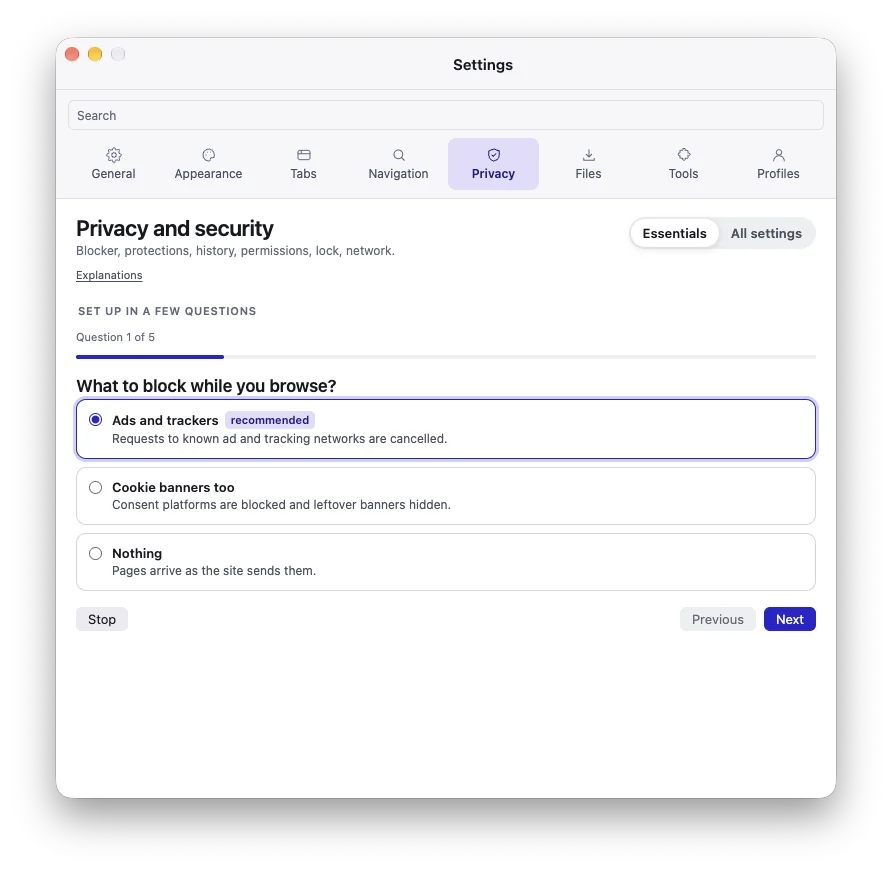
A new profile, without you touching anything
The blocker downloads its lists, site icons are looked up, and what you type in the command bar goes to the search engine for suggestions. In the published version, the protected video module is installed or updated at every launch. Everything else waits for a click or a switch you turn on.
| What goes out, to whom | When | Switch (default) |
|---|---|---|
| Blocker filter listsFrom easylist.to, ublockorigin.github.io and filters.adtidy.org; no cookie, no Referer. No list ships with the app. | When: At first launch, then checked every hour and downloaded again at most every 4 days (1 to 90 days, your choice) | Switch (default): Privacy and security › Blocker on |
| Site icons, looked upThe home page of a favorite or a tab with no icon, then its icon, from the site itself; no cookie, no Referer, nothing on disk. | When: About 1.5 s after launch, then when your tabs change; never in a private window | Switch (default): Files and data › Site icons on |
| Sidebar iconsEach tab’s icon, from the address its page gave (the site or its CDN), through the app’s own session and not your profiles’; no Referer. | When: Whenever a row is drawn, including at launch | Switch (default): None no switch |
| Search suggestionsWhat you type, to your profile’s search engine (DuckDuckGo by default); no cookie. An address is never sent. | When: As you type in the command bar, from 2 characters | Switch (default): Navigation and search › Search engine on |
| Update feedA request to a feed address. None is built in: nothing goes out until one is given. | When: 20 s after launch, then every 24 hours | Switch (default): General › Check for updates automatically on |
| Chrome Web StoreThe package of the extension you add; for an update check, the IDs of extensions installed from the Store, the engine version and the system; no cookie. | When: When you click Add or Check Now, or on the schedule you choose (on demand by default) | Switch (default): Tools and extensions › Extensions on |
| Translation modelsThe list of models, then their files, from Mozilla’s servers; checked by size and SHA-256; no cookie. | When: On your two clicks in the translation panel | Switch (default): Tools and extensions › Local translation on |
| Translation by macOS (macOS 26 and later)Lucium sends nothing itself; Apple may count use of its translation (the languages, never the text). | When: When you translate a page and macOS can do it | Switch (default): Tools and extensions › Local translation on |
| Page summary, OllamaThe page’s text (16,000 characters at most) and its address, to your Ollama. | When: Only when you choose “Summarize page” | Switch (default): Tools and extensions › AI page summary off |
| Page summary, cloud providerThe page’s text and its address without the query or fragment, to OpenAI, Mistral, OpenRouter or Anthropic, with your own key; never from a private tab. | When: Only when you choose “Summarize page”, for a provider you allowed by name | Switch (default): Tools and extensions › AI page summary off |
| A site’s search engineIts OpenSearch file (64 KB at most), from the site; no cookie. | When: When you click Add on the notice | Switch (default): Navigation and search › Quick search off |
| Watched pagesThe page, loaded in a hidden view with the profile’s cookies. | When: On each watch’s interval (5 minutes to 7 days) | Switch (default): Tools and extensions › Web tools off |
| Live foldersAn RSS or Atom feed, or api.github.com for a public repository; no cookie, no Referer. | When: 30 s after launch, then every 30 minutes for each folder | Switch (default): Files and data › Bookmarks off |
| Interrupted downloadsThe file’s server, with the profile’s cookies. | When: When you click Resume | Switch (default): Files and data › Downloads and reading off |
| Markdown export with imagesThe page’s images, from their servers, with the site’s cookies and the page as Referer. | When: When you choose to save the export with its images | Switch (default): None: only that choice no switch |
| Proxy testA TCP connection to the proxy you typed, nothing else. | When: When you click Test | Switch (default): Privacy and security › Proxy off |
| Encrypted DNS (DoH)The server you chose receives the names of the sites you visit. Without it, the engine may move to your provider’s encrypted DNS, if it offers one. | When: Every name to look up | Switch (default): Privacy and security › Encrypted DNS off |
| Widevine (protected video)Google’s component service, to install or update the module that plays protected video. | When: At every launch | Switch (default): None: it is what makes protected video play no switch |
The app’s own requests follow the global proxy. An extension you install can make its own connections, within the permissions you give it. Table taken from the project’s README, current for version 0.2.0.
Where your data lives
On this Mac, in ~/Library/Application Support/arbalette. The folder keeps the project’s former name, so nothing gets lost.
What is encrypted
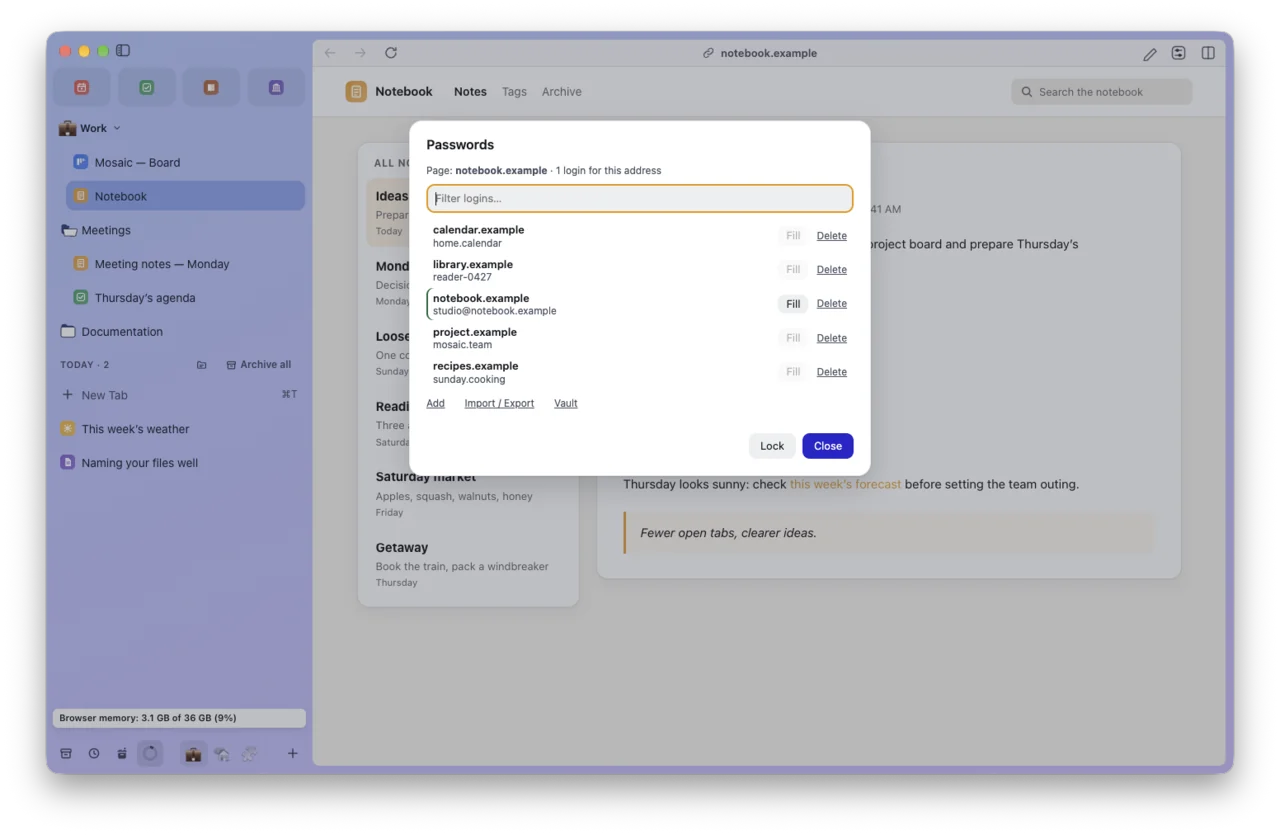
The password vault, and the data export when you seal it (AES-256-GCM, scrypt). The Touch ID lock hides the interface: it encrypts nothing.
This website has its own policy: website privacy policy.