A Space for every side of your life.
Your days don’t fit in a single row of tabs. Lucium gives each context a place of its own.
A work tab, a trip you are planning, three pages to read later: it all ends up in the same bar. You know the information is in there, but finding it takes longer than using it.
One Space, one context.
In Lucium, a Space brings together its tabs, its favorites and, if you like, its own profile: separate cookies and history. Give it a color and a theme so you can tell it apart. A Work Space and a Home Space don’t have to share the same sessions or the same open pages.
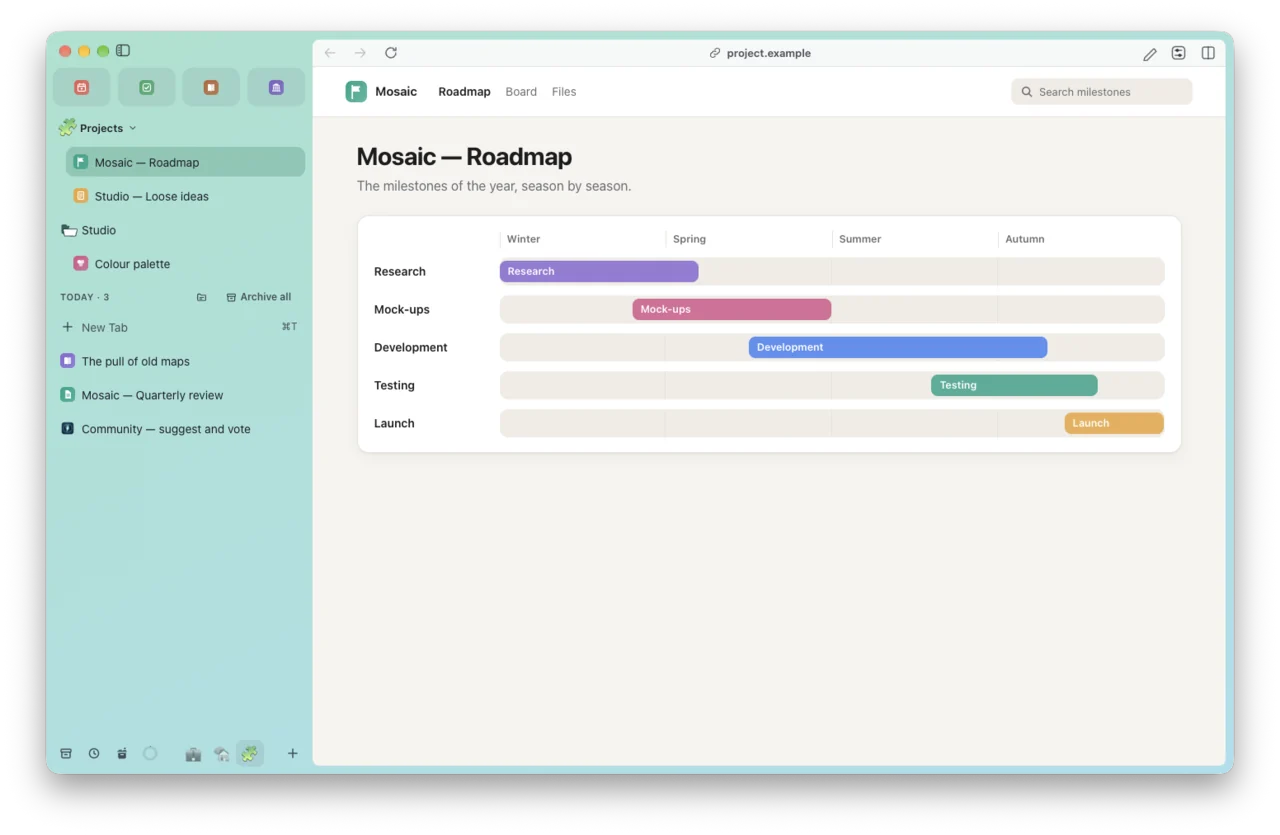
The sidebar keeps those Spaces within reach. Swipe with two fingers to go from one to another, without rebuilding your window every time.
Tabs that know how to wait.
The pages that matter stay pinned. The others archive themselves after 12 hours, and you find them again in the archive or the command bar. You can also save a tab session, or put a Space aside and come back to it later.
These tools don’t decide how you organize your day. They give you a few ways to keep track; you choose what works for you.
Lucium is still in alpha: you can use it, but it isn’t finished.